Sora video generation sounds like the answer to a familiar marketing problem: you have an idea, a deadline, and no time to learn a complicated editing program. I tested the workflow from the perspective of an ordinary content worker, using short prompts for social posts, presentation visuals, and a weekend travel concept. The useful result was not a finished commercial. It was a faster way to explore visual directions before spending time on a real production.
The distinction matters. Sora video generation can produce an impressive first draft, but it does not replace a creative brief, brand review, fact-checking, or editing. Think of it as a rough visual collaborator. You describe a scene, inspect the result, revise the instruction, and decide whether the output is worth keeping.
What Sora video generation is good at
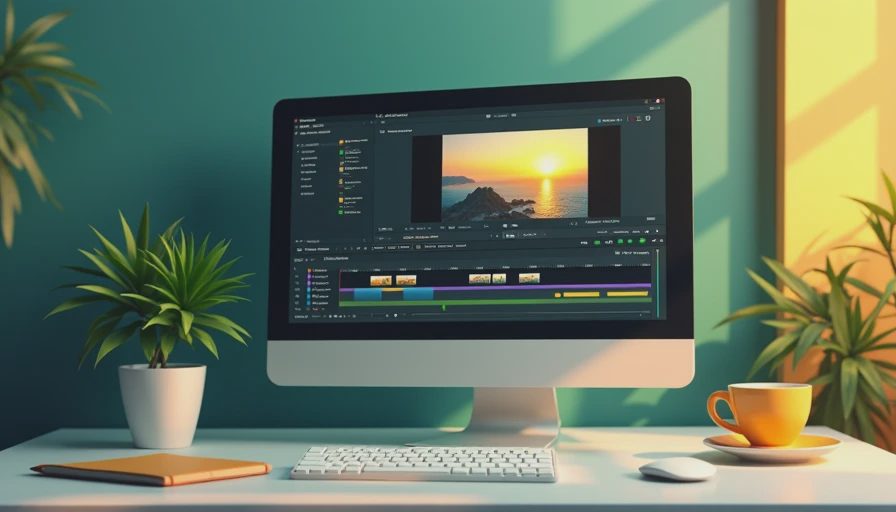
The strongest use is turning a clear visual concept into something you can see. For example, I asked for a quiet morning desk scene with a notebook, coffee, sunlight, and a laptop showing an abstract project timeline. That kind of prompt is simple enough for a person to imagine but useful enough for a team discussing a campaign mood.
Sora video generation is also helpful when a written description feels too vague. A phrase such as “make it energetic” is not a production plan. A short clip can reveal whether energetic means a quick camera move, brighter lighting, faster action, or a crowded composition. Seeing the interpretation gives you something concrete to critique.
I would use it for mood boards, internal concept reviews, thumbnail ideas, simple background footage, and early social-media experiments. I would not treat an unedited generated clip as a final product for a client. Small details can distract viewers, and the tool may interpret an important object, gesture, or piece of text incorrectly.

A prompt workflow that saves time
Start with the subject and action, not a paragraph about your entire business. A useful prompt structure is: subject, setting, action, camera behavior, lighting, visual style, duration, and restrictions. For example: “A freelance designer organizes printed project notes on a wooden desk in a bright Chicago apartment, slow overhead camera movement, natural morning light, documentary style, eight-second clip, no visible brand names or readable text.”
That prompt gives the system enough direction without trying to control every frame. After the first result, change one or two variables at a time. If the scene is too busy, remove background objects. If the movement feels artificial, ask for a locked camera or a slow handheld shot. If the mood is wrong, revise the lighting and color description instead of rewriting everything.
This is where Sora video generation becomes more practical than random prompt experimentation. A repeatable process lets you compare versions. Save the prompt, note what failed, and identify the specific change that improved the next result. I spent less time when I made small revisions than when I tried to write a perfect instruction from the beginning.
What went wrong in my test
The first limitation was text. Generated signs, labels, laptop screens, and package names often looked almost correct rather than actually correct. That is a serious problem for marketing work. A viewer may not consciously identify the error, but the clip can still feel cheap or unfinished. I would add real text later in an editor rather than asking the generator to create a readable headline.
The second issue was continuity. A person could begin with one hand near a notebook and end with the hand in an odd position. A coffee mug might shift between shots. These defects are less noticeable in a two-second background loop and much more noticeable in a close-up story with a speaking subject.
Sora video generation also needs careful handling when people, products, or recognizable places matter. Review every frame before publishing. Do not use generated footage to imply that a real customer, employee, event, or location appeared in a scene when that did not happen. A small disclosure or a clearly illustrative treatment is often more honest than presenting synthetic footage as documentary evidence.
Where it fits in a normal content workflow
Here is the workflow I would actually keep. First, write the goal in one sentence: “Create a calm visual opening for a presentation about reducing meeting overload.” Second, make three prompts with different visual approaches, such as a desk scene, an empty conference room, and a moving city commute. Third, generate short clips and select the version with the clearest emotional direction, not necessarily the most technically dramatic one.
Next, edit the chosen clip in a familiar tool such as Adobe Premiere Pro, CapCut, Canva, or another editor your team already uses. Add the correct headline, music, captions, logo, and timing there. Keep the generated footage short if it has noticeable imperfections. A five-second establishing shot is easier to use than a thirty-second sequence that requires constant inspection.
This saved time, but not in the way I expected. The biggest benefit was avoiding a blank screen during concept development. I could show a rough direction in a creative discussion instead of explaining camera movement with adjectives. The final production still needed human decisions, real assets, and quality control.
Cost, review time, and sensible expectations
Before paying for any AI video service, estimate the full workflow rather than focusing only on generation. You may need time for prompt experiments, downloads, trimming, captions, sound, brand approval, and revisions. A clip that takes ten minutes to generate can still consume an hour if the team argues about whether the visual is usable.
Sora video generation is most defensible when the alternative is slower and more expensive, such as commissioning several rough storyboards or filming a concept that may be rejected. It is less compelling when you already have approved footage, a strong stock library, or a designer who can create the exact visual faster.
Keep a basic review checklist. Is the action physically believable? Does any text need replacement? Are hands, faces, and products stable? Does the camera movement support the message? Could a viewer mistake the scene for a real event? Are you allowed to use any uploaded reference material? These questions prevent a visually exciting clip from creating a larger editing or trust problem.
My practical verdict
I would use Sora video generation again for early visual exploration, short social backgrounds, presentation concepts, and internal brainstorming. I would not build a complete campaign around it without an editor and a human review process. The tool is valuable when the goal is to make an idea visible quickly, not when the goal is to remove every production decision.
If you are trying it for the first time, choose one small task. Write a prompt for an eight-second visual, generate several variations, and compare them with a simple phone video or stock clip. Notice where the generated version helps and where it creates extra cleanup. That experiment will tell you more than a long list of feature claims.
The first draft came from AI. The judgment did not. That is the useful boundary for Sora video generation: let it help you start, explore, and communicate a direction, while people remain responsible for meaning, accuracy, taste, and the final decision.

No notes yet — be the first to inscribe one.