Searching for chatgpt alternative image edit ai usually means you want one simple thing: change a picture without learning Photoshop. Perhaps a product photo has a cluttered background, a presentation image needs a different crop, or a travel picture has an unwanted object in the corner. I tried several accessible tools with those ordinary jobs in mind. The results were useful, but none removed the need to inspect every edited image before using it.
What I wanted an image editor to do
I used the same basic workflow for each tool. I uploaded a casual photo, removed a background object, changed the canvas size, and asked for a new version of the background. I also tested a simple marketing image containing a coffee cup, notebook, and blank wall. These are not demanding studio assignments, but they reflect the work many office employees and freelancers actually face.
The first requirement was speed. I did not want to spend fifteen minutes hunting through menus to find an eraser. The second was control. A useful editor should let me describe the change in plain English while still offering a brush, crop tool, or undo button. The third was predictable output. An AI tool that creates a beautiful but distorted object is not saving time; it is creating another round of manual correction.
For this kind of chatgpt alternative image edit ai search, the best choice depends on whether you are fixing a photo, designing a social post, or producing a product image. There is no single winner for all three.
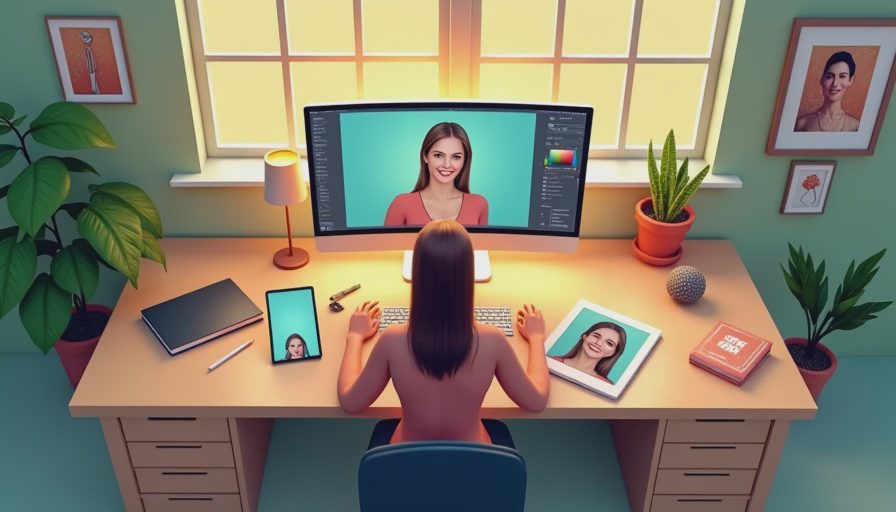
Adobe Firefly for controlled generative edits
Adobe Firefly was the strongest option when I wanted a specific change inside an existing image. Its Generative Fill workflow makes the process familiar: select an area, describe what should appear there, and review several variations. Removing a sign or extending a plain background was straightforward. The tool was especially comfortable for someone who already uses Photoshop or other Adobe products.
Here is what the tool actually did well: it preserved much of the original lighting and general composition when the selected area was modest. It also gave multiple results instead of forcing one interpretation. That matters when a replacement object needs to look natural rather than merely technically correct.
The weak point was detail. Fine lines, fingers, printed labels, and repeated patterns still needed close inspection. A generated label can contain convincing shapes that are not real letters. Firefly is a strong chatgpt alternative image edit ai option for marketers who need controlled edits, but I would not publish the first result without opening it at full size.
Canva for everyday content production
Canva made the most sense when image editing was only one part of a larger job. I could place a photo into a presentation, resize it for a social post, remove a background, and add text without switching applications. Its Magic Studio features are aimed at non-specialists, so the interface felt less intimidating than a professional editor.
That convenience is the main advantage. A small business owner preparing an Instagram graphic probably does not need a perfect replacement sky. They need a clean image in the right dimensions, a readable headline, and a file they can download quickly. Canva handles that complete sequence better than a narrowly focused editor.
The tradeoff is precision. Some AI edits looked more like design suggestions than careful retouching. The generated result could be acceptable at a small size while looking rough when enlarged. Canva is a practical chatgpt alternative image edit ai choice for posts, flyers, slides, and quick web graphics, especially when layout matters as much as the picture.
Photoroom and Pixlr for quick photo cleanup
Photoroom is built around product photos and background work. I would consider it first for an online seller who needs a clean white background, a simple shadow, or a consistent look across several listings. The workflow is direct, and the product-focused templates reduce the number of decisions a beginner has to make.
Pixlr is more useful when you want a lightweight browser editor with familiar adjustment controls. It can help with cropping, removing distractions, changing exposure, and making basic composites. It feels less like an all-in-one design workspace than Canva and less specialized than Photoroom, but that simplicity can be helpful when the task is only a quick correction.
Both tools deserve a careful check around edges. Hair, transparent packaging, glass, and thin cables are difficult for automated background removal. Zoom in before exporting, particularly if the picture will appear on a store page where customers may notice jagged outlines.
A workflow that prevents disappointing results
Start with the original file rather than a screenshot or compressed download. Write down the exact change you want: remove the red chair, extend the wall upward, or replace the cloudy sky with a neutral blue background. Specific instructions produce more useful results than a vague request to make the image better.
Make one edit at a time. If you remove an object, inspect that result before asking for a new background. Saving each version helps you return to a clean starting point when the AI introduces a strange shadow or changes an important detail.
Use the editor's manual tools after the generative step. A ten-second brush correction can fix an edge that the automatic tool missed. For business images, compare the edited version with the original for logos, product shape, text, skin tone, and small details. The first draft came from AI. The judgment did not.
I also recommend checking licensing and privacy information before uploading work files. Do not place confidential client material, unreleased product images, or personal documents into a service without understanding how uploads are handled. Free plans and commercial-use terms can change, so confirm the current details when the image matters financially.
Which tool should you try first?
Choose Adobe Firefly when you want detailed, localized changes and already work in an Adobe environment. Choose Canva when the finished result needs text, layouts, slides, or social dimensions. Choose Photoroom for product listings and background removal. Choose Pixlr for a quick browser-based cleanup that still gives you ordinary editing controls.
If your search began with chatgpt alternative image edit ai, start with the task rather than the brand. Test one ordinary image in two tools, record how many corrections were needed, and compare the exported files at their actual publishing size. A free trial is useful only if it answers that practical question.
My own conclusion is modest. These editors are good at removing repetitive steps, generating rough options, and preparing a first draft. They are less reliable with text, hands, reflections, transparent objects, and anything where accuracy matters more than appearance. I would use this chatgpt alternative image edit ai workflow again for social graphics, simple product cleanup, and background extensions. I would still keep a human review between the generated image and the final publish button.



No notes yet — be the first to inscribe one.